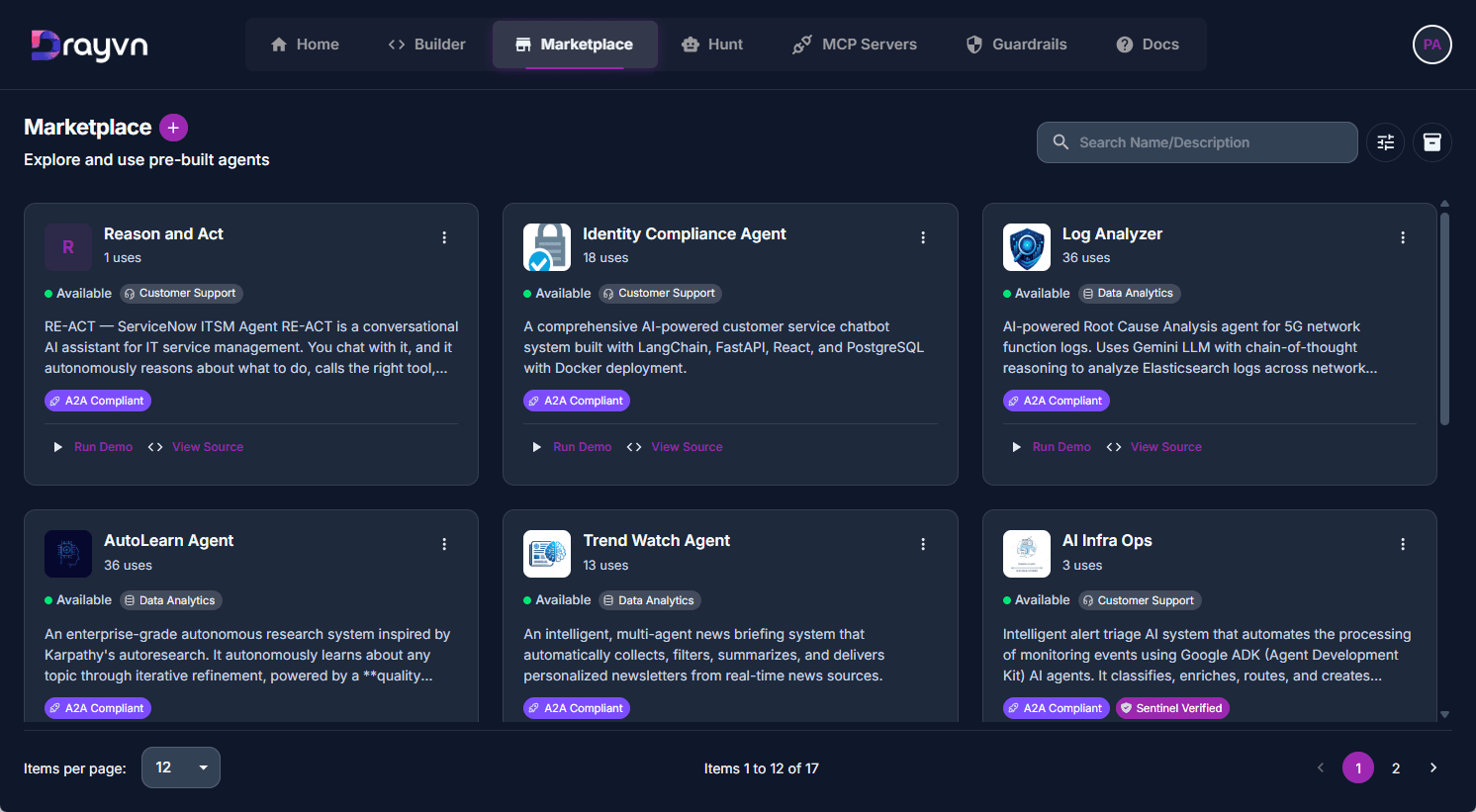
Capabilities
Builder
In Builder, you can drag, drop, and connect to build AI applications without writing a line of code, so your teams can go from idea to production without an engineering team.
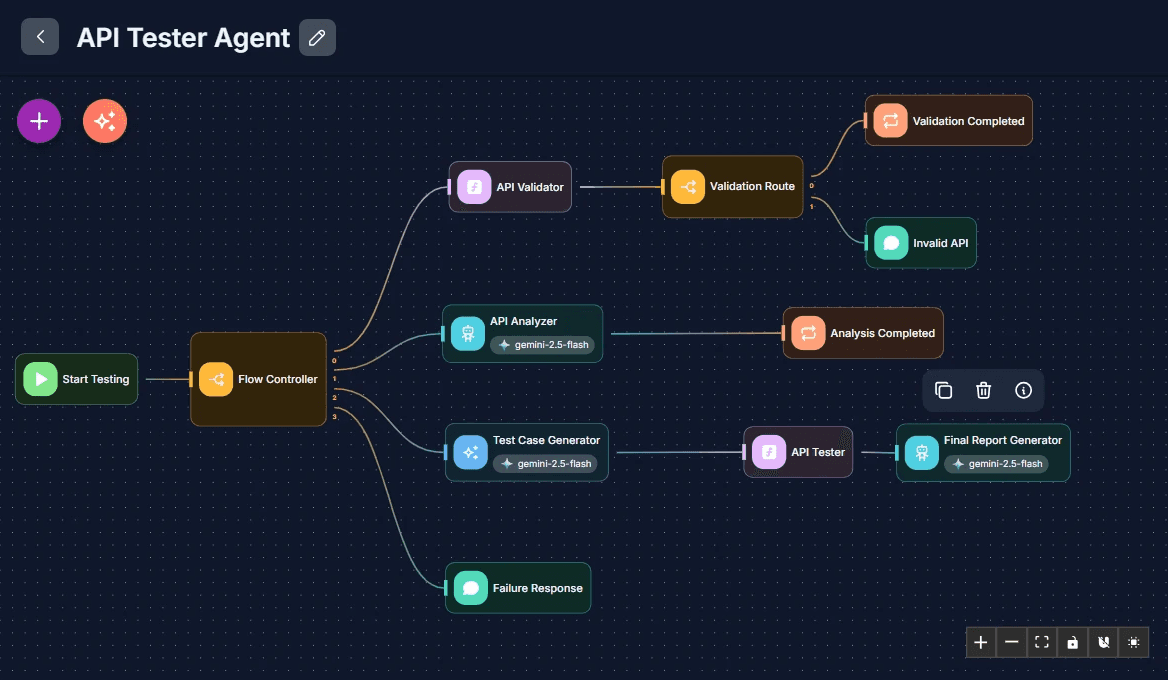
Three ways to build AI-powered applications in builder:
Chatflow
A conversational interface powered by a single AI model. Connect it to your knowledge base for document-grounded Q&A, or deploy it as an assistant for FAQs, support, and guided interactions.
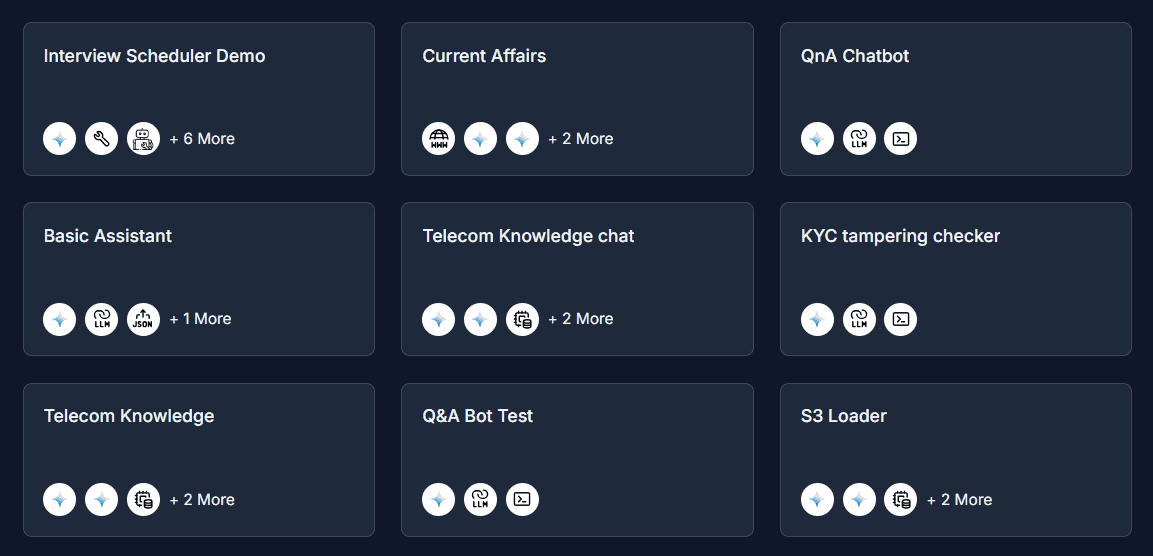
Agentflow
A multi-agent workflow engine for complex, end-to-end automation. Coordinate specialized agents in parallel or sequence, with built-in support for human approval checkpoints and autonomous task execution.
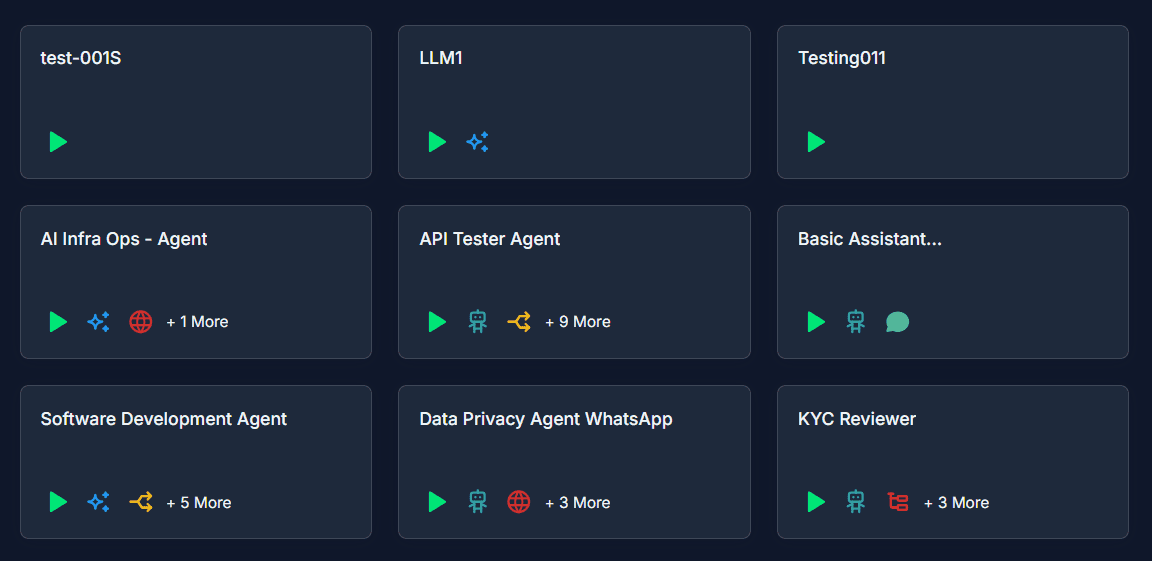
Assistant
A persistent AI assistant with memory, tools, and a defined role. Unlike a chatflow, it retains context across sessions and can invoke multiple tools — built for ongoing, role-specific work across your organization.
Manage all building resources in one place.
Builder allows you to store and manage the variables, credentials, API Keys, tools, and documents your agents rely on — all in one place, accessible across every workflow.
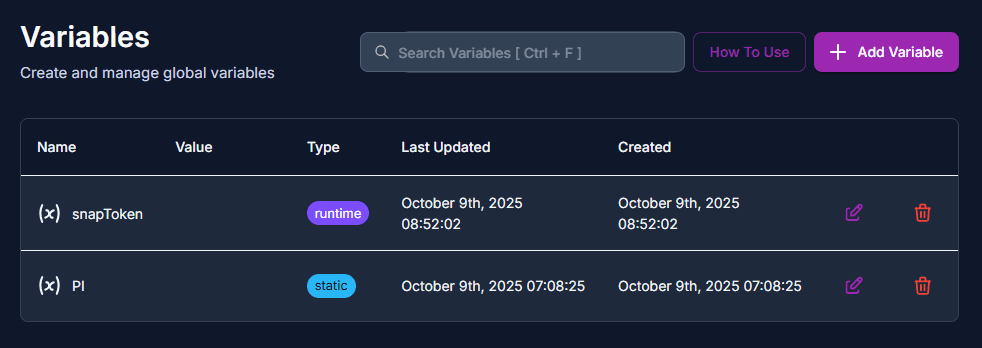
Variables
Variables allow you to store and reuse values across your flows. Define configuration values, API endpoints, prompts, and other data that can be referenced throughout your Chatflows and Agentflows.
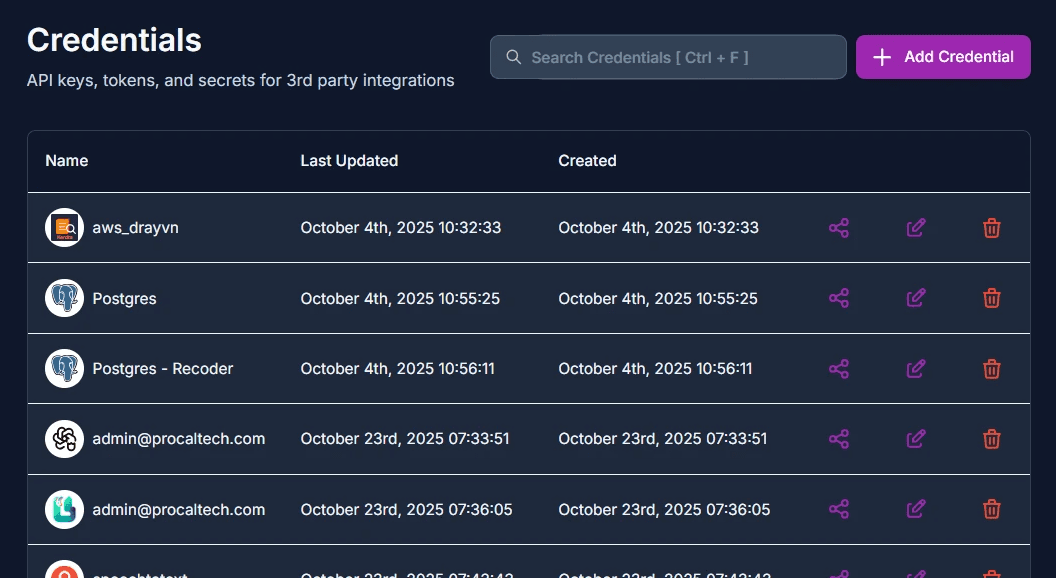
Credentials
Credentials securely store authentication information for external services used by your flows. Connect to AI providers, databases, APIs, and cloud services without exposing sensitive keys in your flow configurations.
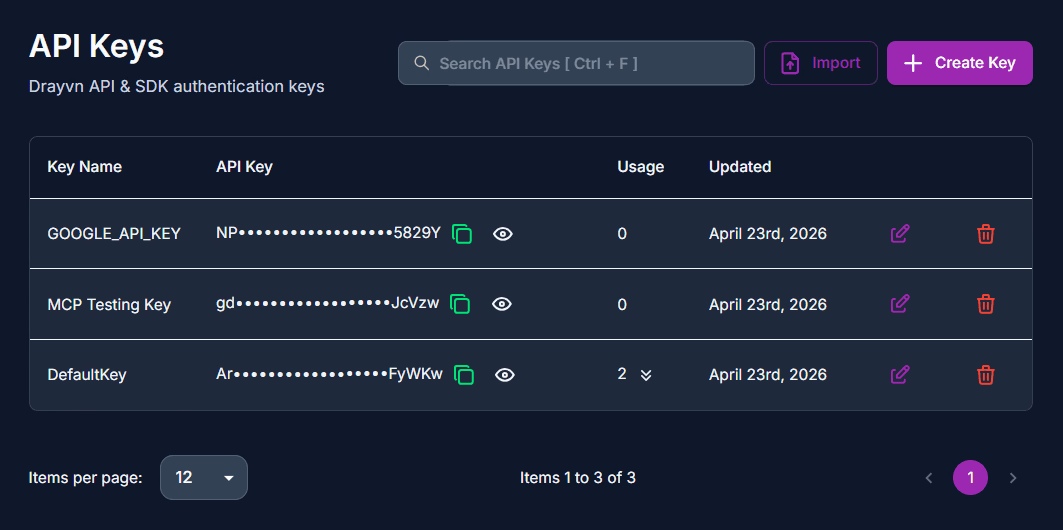
API Keys
API Keys allow external applications to securely access your Chatflows and Agentflows via the Drayvn Platform API. Manage authentication for integrations, third-party services, and custom applications.
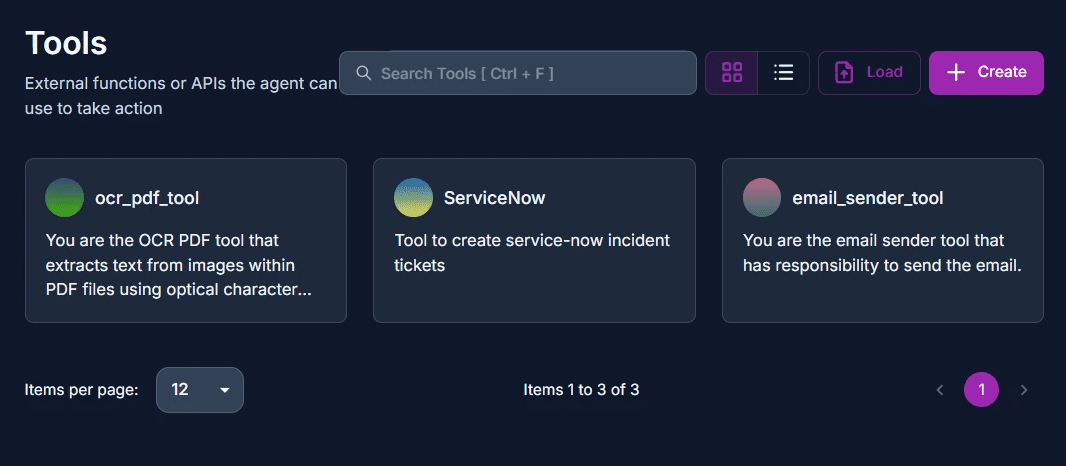
Tools
Tools extend the capabilities of your AI agents by allowing them to interact with external systems, perform calculations, search the web, and execute custom code. Build powerful integrations that make your flows truly useful.
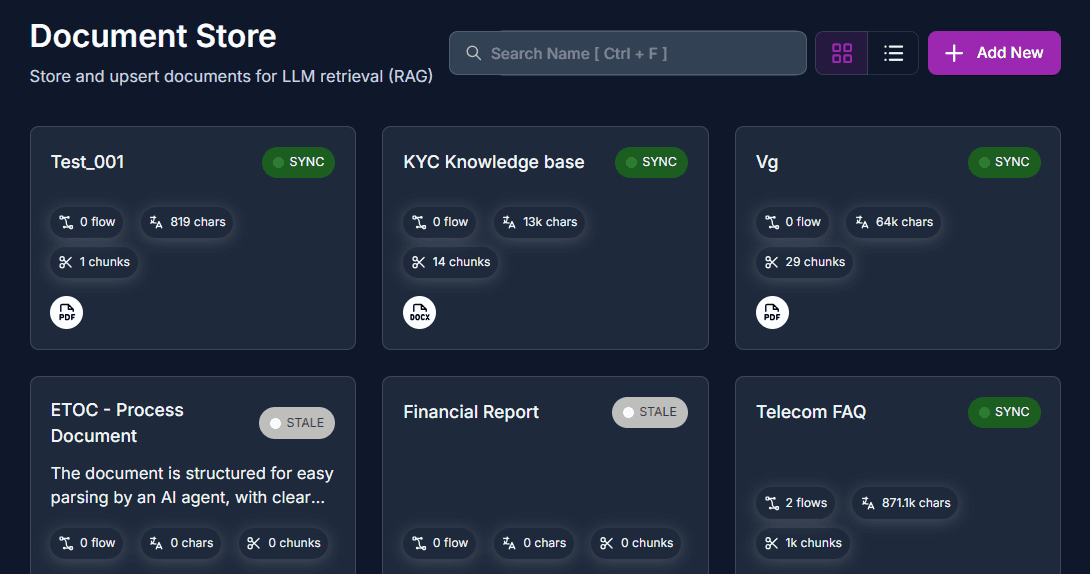
Documents
Manage document collections and vector databases for Retrieval-Augmented Generation (RAG) workflows.
Full visibility into every AI application you build.
Executions
A detailed log of every individual application run — inspect each step, input data, output data, and error to debug issues, audit agent behavior, and improve workflow reliability over time.
Analytics
An aggregated view of how your AI applications are performing — track usage trends, token consumption, response quality, and success rates across all your workflows to inform optimization decisions.
Hunt
Hunt is your team's conversational AI workspace — one place to chat, research, and get work done across any AI model, so your teams stay productive without juggling multiple tools.
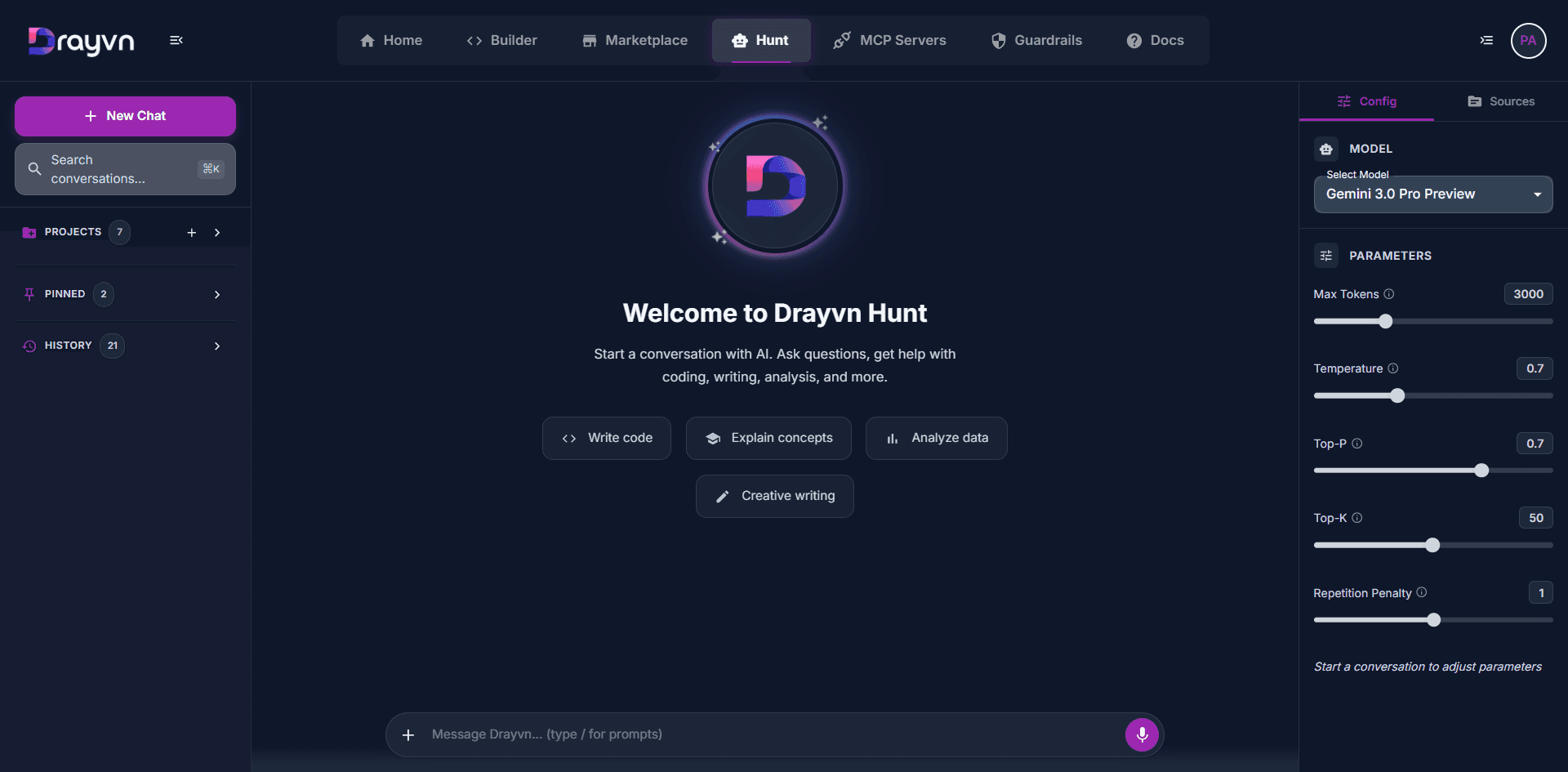
Hunt gives your team six core capabilities out of the box.
Team Collaboration
Share conversations across your organization with controlled access
Project Organization
Group related conversations with shared settings, sources, and instructions
Enterprise Controls
Manage API keys, restrict model access, and set token limits per user
Customization
Define your preferences, personality traits, and global instructions
Multi-Model Access
Switch between top AI providers—OpenAI, Google, Anthropic, Mistral, and more—within a single platform
Knowledge Integration
Upload documents, add web URLs, or provide custom text as context for more accurate responses
Guardrails
Guardrails is a built-in governance layer that defines what your AI applications can and cannot do — so you can deploy AI at scale without compromising on safety, privacy, or compliance.
With Guardrails, you can achieve:
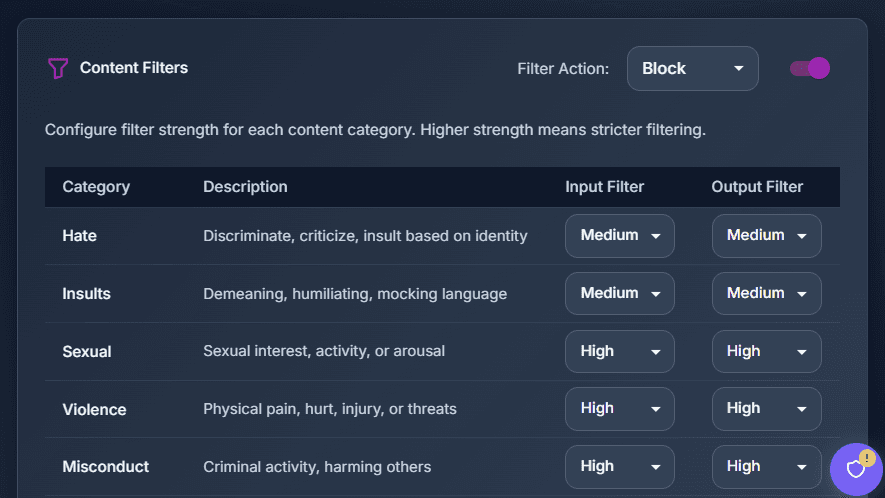
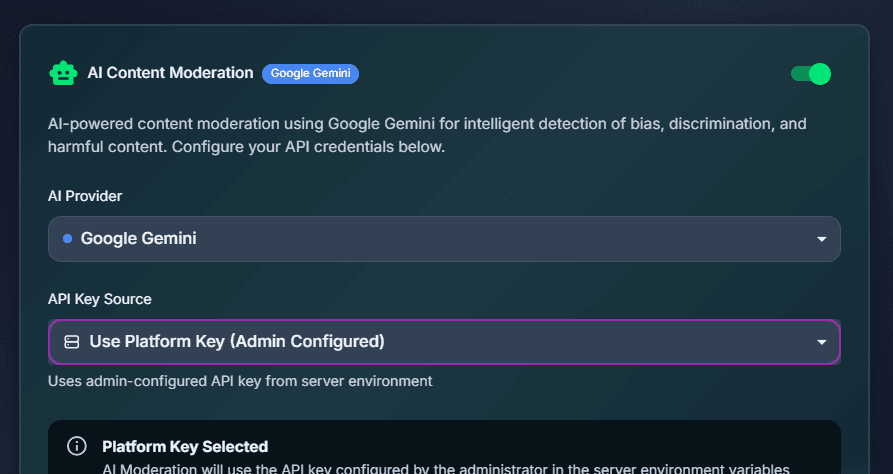
Content Safety
Define exactly what your AI can and cannot say. Set keyword filters, phrase rules, and LLM-powered moderation policies to block harmful, off-brand, or non-compliant outputs before they reach your users.
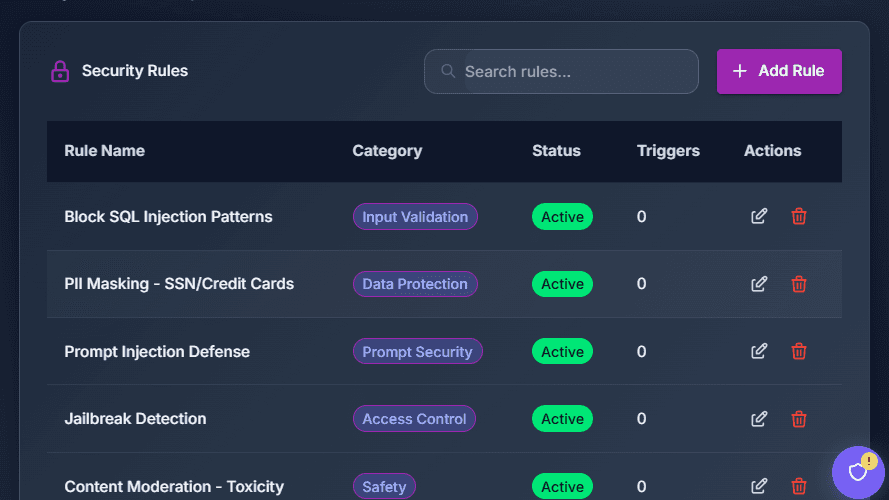
Security
Protect your AI from adversarial inputs and prompt injection attacks — where malicious users attempt to manipulate your AI into bypassing its instructions or leaking sensitive data.
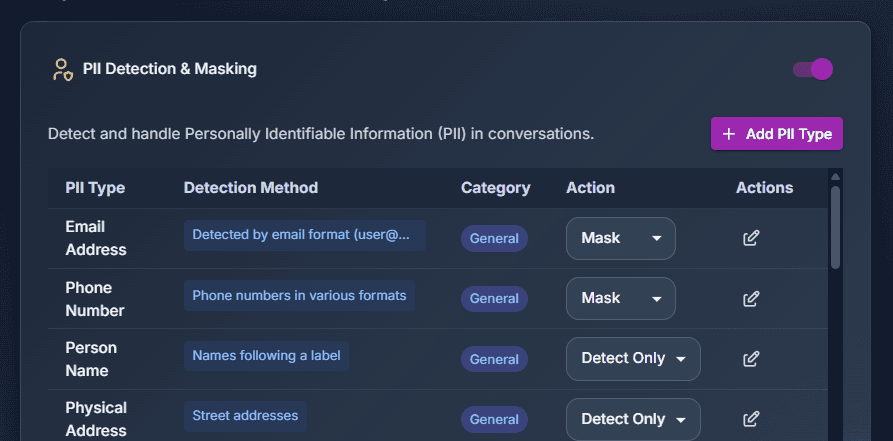
Data Privacy
Automatically detect and redact personally identifiable information — names, emails, phone numbers, and more — before it enters or exits your AI workflows. Stay compliant without changing how your teams work.
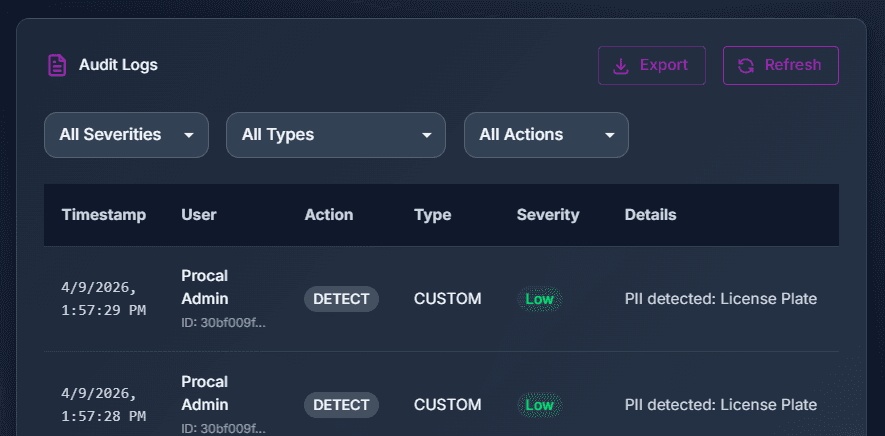
Audit
Every AI interaction is logged and traceable. Access a full audit trail of inputs, outputs, and moderation decisions to meet regulatory requirements and support internal governance reviews.
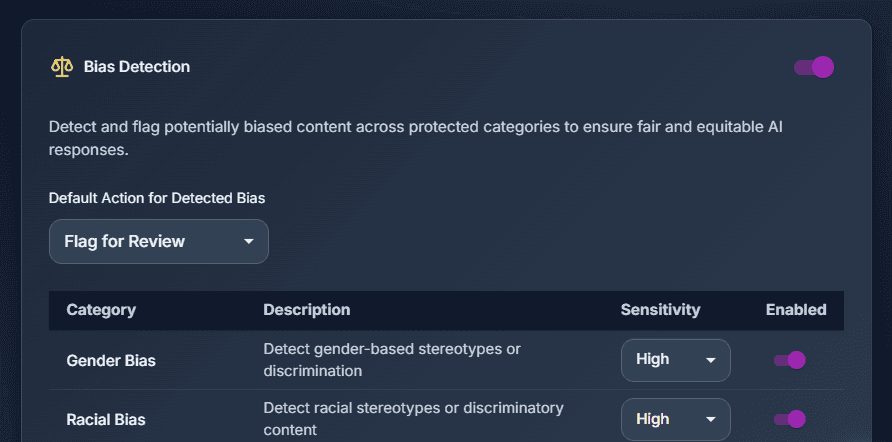
Responsible AI
Monitor your AI for bias, fairness issues, and ethical violations. Ensure consistent, equitable outputs across all user groups — especially in high-stakes workflows like HR, finance, and customer service.
Admin
Admin gives your team complete control over who can access Drayvn, what they can do, and how the platform is configured across your organization.
User & Role Management
Create and manage users across your organization. Assign roles with granular permissions — control access per module, per workspace, and per user to ensure the right people have the right level of access.
Workspace Administration
Organize your teams into isolated Workspaces. Each workspace operates independently with its own flows, credentials, API keys, and settings — keeping different teams and projects cleanly separated.
SSO & Identity Integration
Connect your existing identity provider — Auth0, Azure AD, Google, or GitHub — to enable single sign-on and centralize authentication across your organization.
Organization Settings
Manage your organization's general information, branding, security policies, and integrations — including authentication rules, session controls, API access, and webhooks.
Audit Logs
Track every user action across the platform. Know who accessed what, when, and what changes were made — giving your security and compliance teams full operational visibility.
Integration
Integration lets you connect Drayvn's AI capabilities directly into your existing systems — without rebuilding your infrastructure or changing how your teams work.
API Access
Embed Drayvn directly into your own applications through a clean REST API.
Builder API
✔ Send messages to Chatflows and Agentflows
✔ Receive AI-generated responses
✔ Upload files for processing
✔ Override flow configurations at runtime
✔ Upsert data into vector stores
Guardrails API
✔ Checking content against configured safety rules
✔ Detecting and optionally masking PII
✔ Preventing prompt injection attacks
✔ Validating against custom blocklists
✔ Retrieving guardrails configuration status
MCP Servers
Expose your AI applications as standardized Model Context Protocol (MCP) endpoints, making them accessible from any MCP-compatible client — including Claude Desktop, Cursor, and other developer tools — so you can connect your Drayvn AI applications to any system, from modern SaaS to legacy mainframes, through a single interface.